

One register for the whole estate
Laptops, monitors, phones, lab instruments and AV equipment in one place, with serial numbers, warranty dates and the person responsible.
Free asset management software that tracks every laptop, tool and device your organisation owns and issues — so you always know where it is and who signed for it.
Free forever · No credit card · Unlimited users
Trusted by teams tracking their own equipment











Signed issue records mean laptops come back at offboarding.
Mostly equipment that no longer quietly needs replacing.
Counts run from a phone instead of a clipboard and a Friday.
Import the register, print labels, issue something real.
Issue equipment, keep it serviced, and get it back again, without anyone maintaining a spreadsheet on the side.
Hand a laptop over against a name and a signature, from the store cupboard or from a phone. The record updates the moment it leaves, and again when it comes back.
Custody and accountability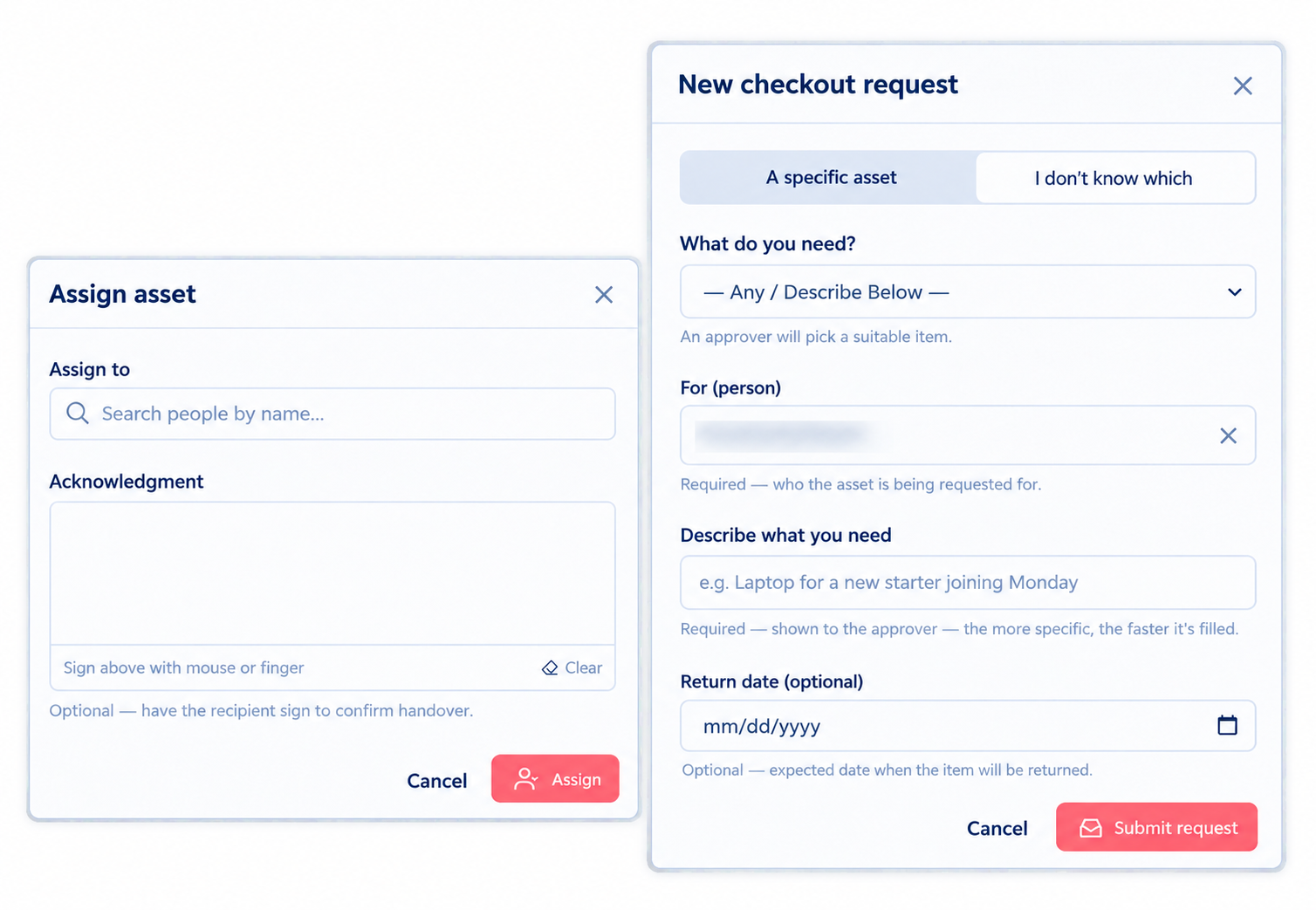
Warranty, AMC and CMC cover sits on the asset with its provider, policy number and expiry — and raises its hand before the date, not after the invoice.
Maintenance and warranty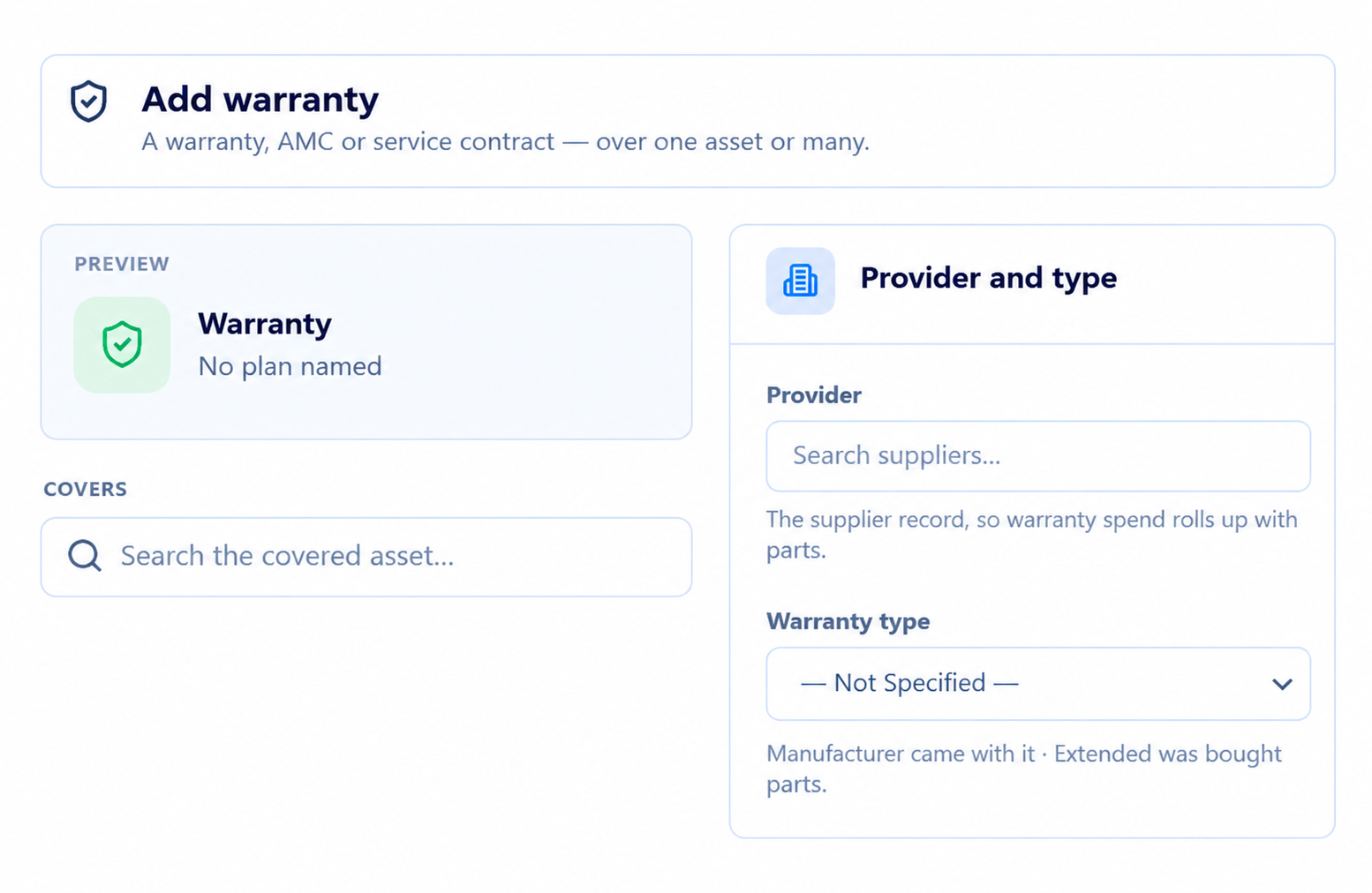
Everything a leaver holds, as a generated checklist rather than an investigation. Check each item back in with a condition note and close with a signed clearance.
IT asset management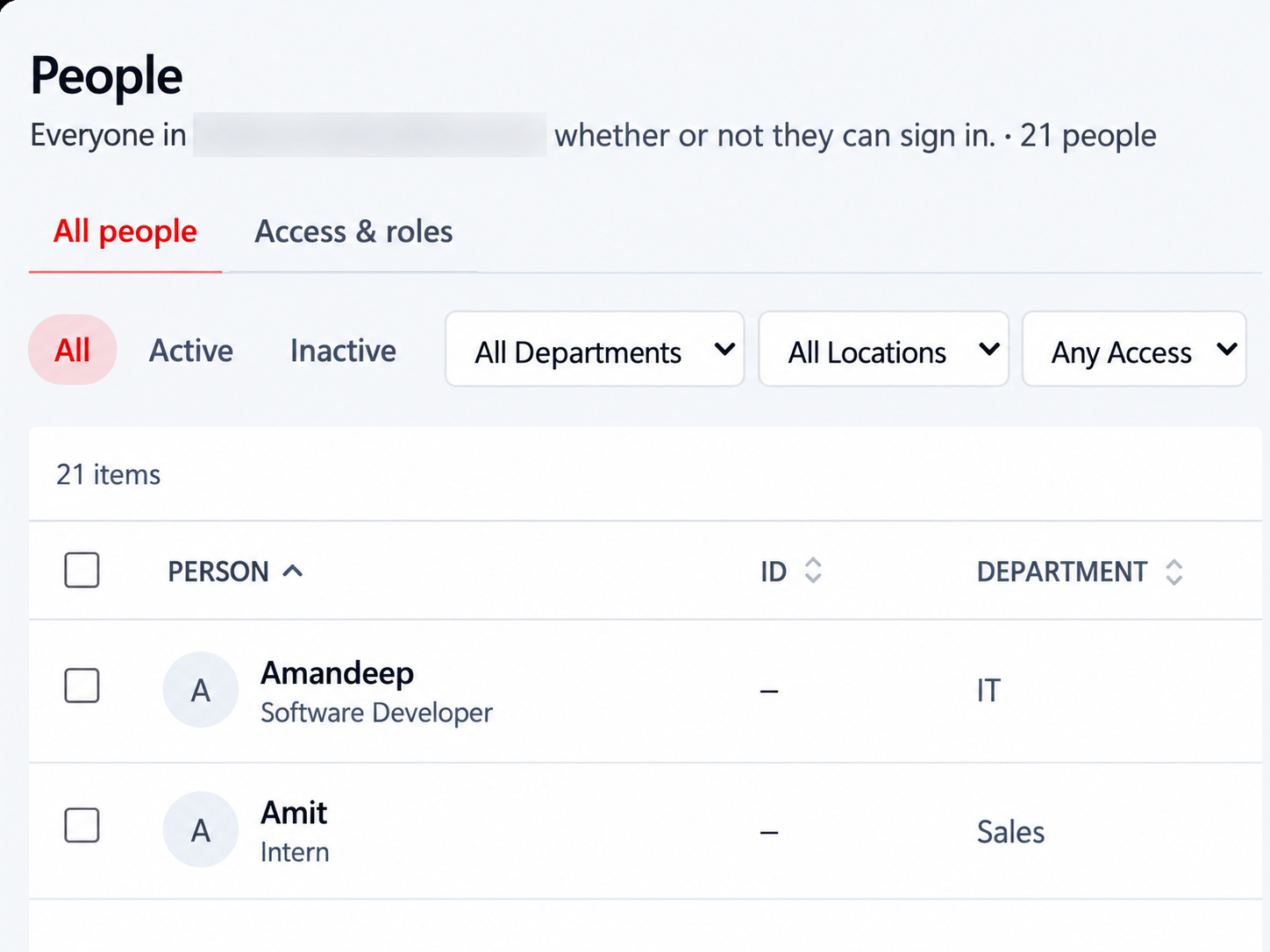
Walk the floor scanning as you go. Discrepancies surface immediately rather than at the end, and the export is ready when finance asks for it.
Audits and compliance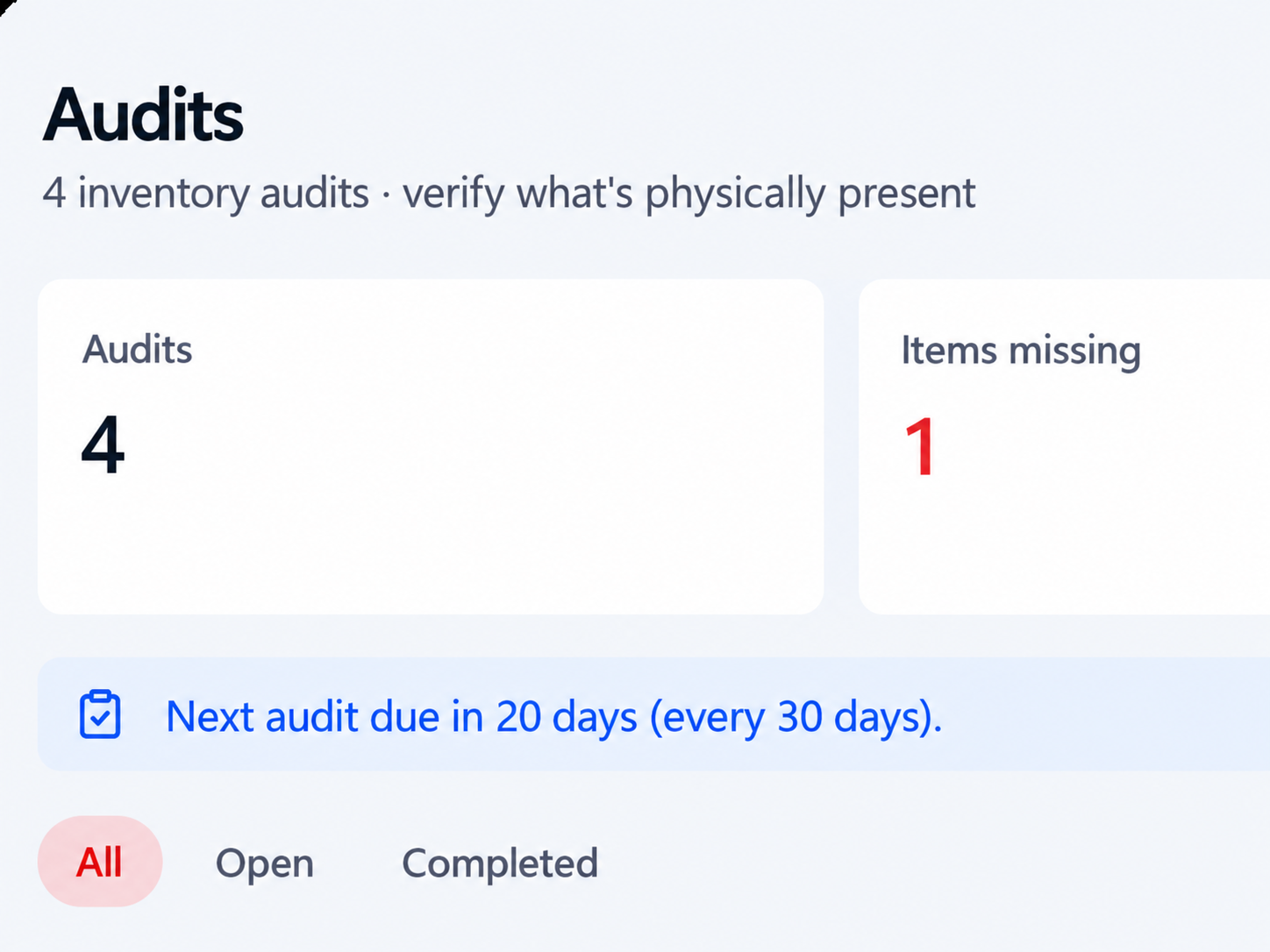
Most equipment questions are one-offs that never justify a report — who has the spare dock, whether the projector is free on Thursday. Ask in the words you would have used to the colleague opposite, and it reads the register rather than guessing.
Every answer and every action runs inside the permissions the person asking already has, scoped to your organisation — so it is a faster route to what they could already do, and never a route to anything else.
See what Stackroom AI doesLaptops, monitors, phones, lab instruments and AV equipment in one place, with serial numbers, warranty dates and the person responsible.
Assets leave against a name and a signature, so accountability is a record rather than an argument at offboarding.
Shared equipment is reserved ahead, and availability is checked before a booking is accepted.
Warranty expiry, licence renewal and service windows raise their hand in advance.
Counts run from a phone and export clean when finance or the auditor asks.
Give the lab, the studio and the service desk their own view, while IT keeps the estate wide picture. Roles decide who can issue, retire, or just look.

Import the spreadsheet you already keep, then print labels for whatever is missing one.
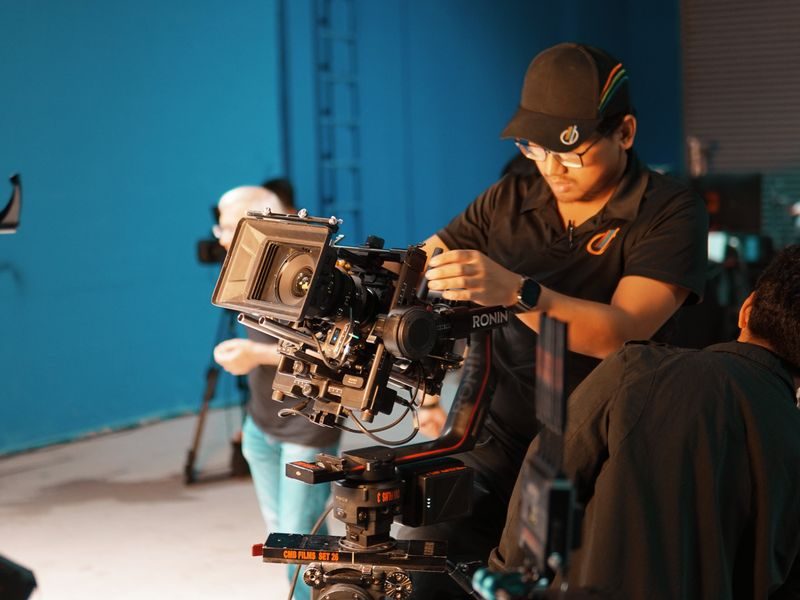
Equipment leaves against a name and a signature, so ownership is recorded rather than remembered.
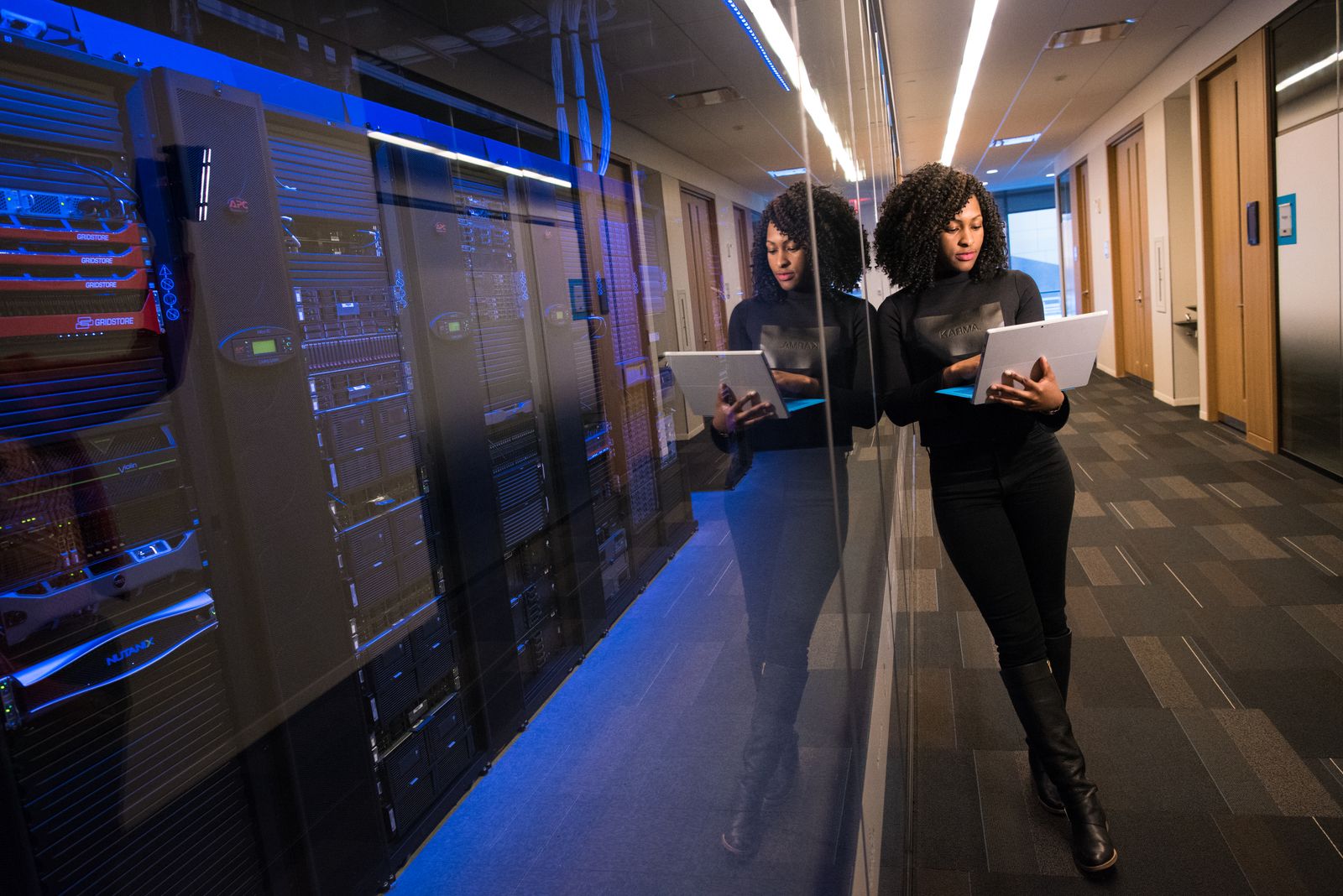
Every scan updates the record, so the register stops drifting out of date.

Return dates and renewals surface early, with the holder already attached.
Equipment issued, serviced, counted and recovered — described by the people who do it rather than by us.

Stackroom has transformed the way we manage and organize our assets — simple, powerful, and incredibly efficient.
Steven ZeigmanFounder · BioFitness Institute
We now have a clear view of our equipment, who has it, and where it is — without relying on spreadsheets and manual follow-ups.
Parveen KumarFounder · Securatec Technologies
Stackroom has made managing our network operations simpler, more organized, and far more efficient.

Having a clear view of our equipment and where it’s being used has made day-to-day operations much more streamlined as we scale.
Nikhil SoniCo-Founder · naxsha.ai
With a large technology environment to manage, having real-time visibility into our devices and equipment makes asset management far more organized and accountable.
Shubham SaurabhEngineering Manager · Boutiqaat.com
With our team working across locations, having one place to track our assets and know where everything is has made day-to-day operations much easier.
Sandeep VatsCEO · FindMyInvestor.in
Offboarding used to mean chasing three people for one laptop. Now it is a single screen.
The studio books its own cameras now, and nobody is double-promised the same body.

We tag instruments as they arrive and the calibration dates look after themselves. Nothing has gone past its window since.
Audit week used to be a fortnight of spreadsheets. We walked the floors scanning and had the export out by lunchtime.

Every department sees its own equipment, so nobody is guessing who has the spare monitor.
New starters get their kit signed for on day one, and we can prove it a year later.
Scroll for more →
Six things a sheet cannot do, and what replaces each one.
A tab that nobody updates after week two
A register that updates itself on every scan
Nobody is sure who has the spare monitor
Each asset shows its holder and location
Leavers keep their laptop for months
Offboarding lists everything still out
The auditor asks and the hunt begins
Audit exports in a couple of minutes
Two people promised the same camera
Bookings check availability before confirming
Warranties lapse without anyone noticing
Renewal dates surface weeks in advance
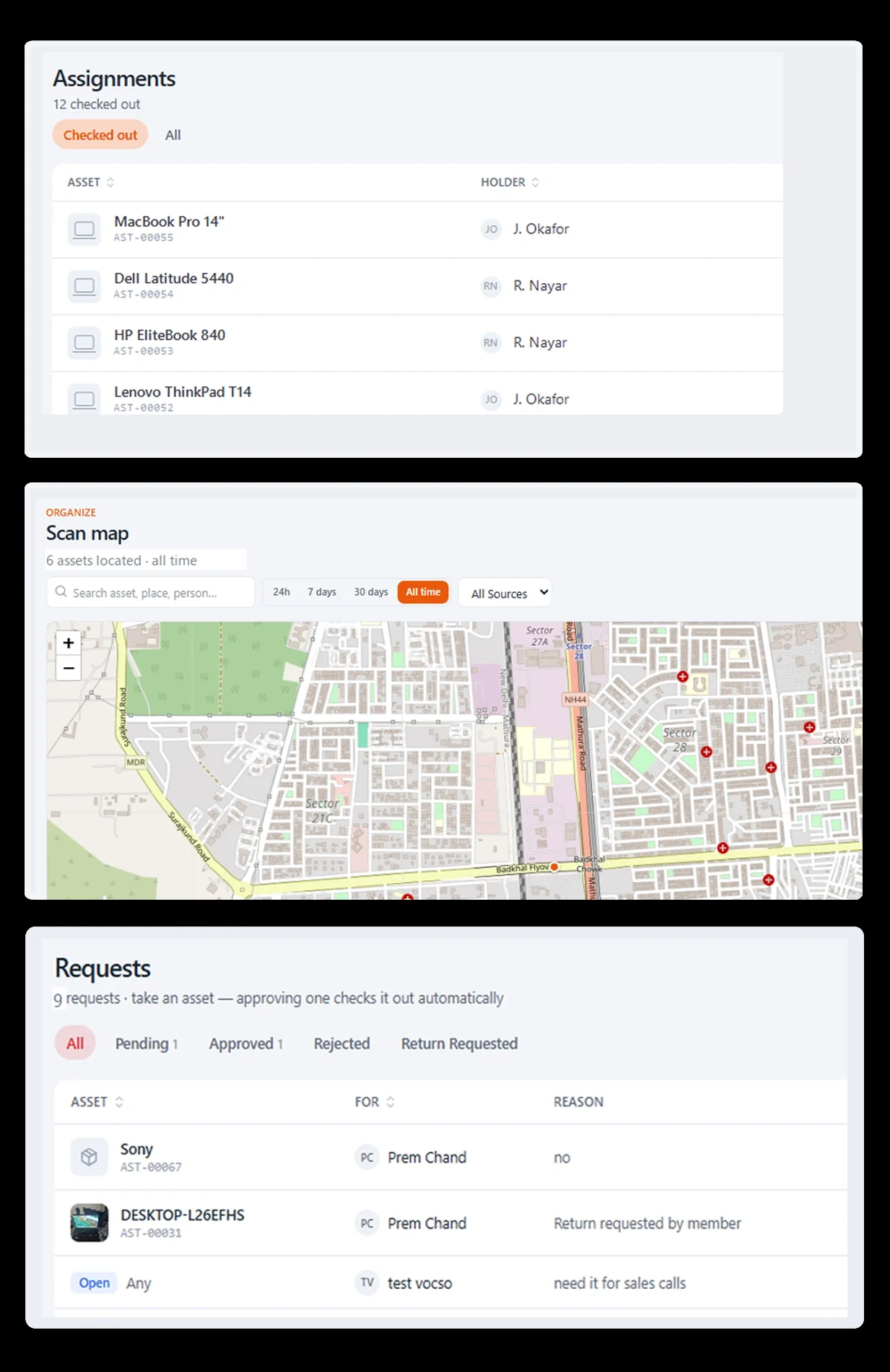
Push records where your team already works, or pull them out whenever finance asks.
 QuickBooks
 Xero
Xero Zapier
Most issuing and returning happens standing up, away from a computer, often somewhere with no signal. The app is built for that.
Scan and issue in a basement store room. Everything syncs when the phone is back on the network.
Point the camera at a label to see what it is, who holds it and when it is due back.
The person taking the asset signs on the phone, so custody is recorded at the moment of handover.
Stackroom is asset management software for equipment that is issued to people — laptops, monitors, tools, instruments. It records who holds each item, captures a signature at handover, tracks warranty and service cover, runs scoped audits, and depreciates and retires assets, from a phone or the web.
It keeps an accurate register of physical assets through their whole life: register and tag, issue to a named person with a signature, book shared items, log faults and service, track warranty and AMC cover, run cycle-count audits, depreciate, and retire. The phone app does all of it where the equipment is.
Organisations whose equipment changes hands — IT and operations teams, office and facilities managers, schools, clinics, agencies and professional-services firms. If the recurring question is who has something rather than how many are left, it is built for that.
There is a free plan with no card required, covering the asset register, custody and checkout, QR lookup, the iOS and Android apps and offline sync. Every plan includes unlimited users, so cost never depends on how many people record a handover.
A spreadsheet stores the latest state and overwrites the rest, so it cannot tell you who held an item in March or prove anybody accepted responsibility. Stackroom keeps a dated custody chain, captures signatures and can be updated at the cupboard rather than at a desk.
No. Teams run it for laptops and phones, but equally for lab instruments, AV and studio equipment, tools, medical devices and anything else issued out of a store cupboard. If it has a serial number and a person responsible, it fits.
Import your existing register in the morning and issue your first signed asset the same afternoon. There is no implementation project and no professional services line.
Offboarding shows everything still assigned to that person, so the laptop, the dock and the monitor come back before their last day rather than three months later.
No. Pricing scales with your team rather than your item count, so adding another monitor never costs extra. Plans are served from our live pricing API, so what you see is current.
Yes. The mobile app is offline first. Scan and issue in a basement store room, and everything syncs the moment the device is back on the network.
Import your register, print a sheet of labels, and issue your first signed asset before the end of the day.