
Round-up
The best asset management software in 2026
There is no single best asset management tool, because the category contains at least three different products wearing the same name. This is a shortlist organised by what you are actually trying to do.
What is the best asset management software?
The best asset management software depends on whether your equipment breaks, walks or simply needs listing. Maintenance-led estates want a CMMS such as UpKeep or Limble. IT estates want Lansweeper, InvGate or Snipe-IT. Equipment that moves between people wants a custody-first tracker such as Stackroom, Cheqroom or Asset Panda.
The category
What is asset management software?
Asset management software keeps a record of the physical things an organisation owns (laptops, tools, instruments, furniture, vehicles) and of what happens to each one: who holds it, where it is, what condition it is in, what it cost and when it needs servicing or replacing. In practice the label covers four kinds of product, each built around a different question.
Asset tracking and custody
Built around the object and its holder: QR or barcode labels, check-out and return, signatures, bookings and physical audits. It answers who has it and whether it came back. Stackroom, Cheqroom, EZOfficeInventory and Asset Panda sit here.
IT asset management (ITAM)
Built around the device estate: network discovery, installed software, licences and often a service desk. It answers what is on the network and whether it is compliant. Lansweeper, InvGate, Freshservice and Snipe-IT sit here.
Maintenance management (CMMS and EAM)
Built around work: work orders, preventive maintenance schedules, technicians and spare parts. It answers what needs fixing and when. UpKeep and Limble sit here; enterprise asset management (EAM) suites extend the same idea to whole plants and fleets.
Fixed asset accounting
Built around book value: capitalisation, depreciation schedules and disposals. Several tools on this list record purchase cost and depreciation beside the register, but the statutory fixed asset register usually lives in or next to the accounting system.
Two things share the name but are not covered here: digital asset management (DAM), which organises image and media libraries, and investment asset management, which manages financial portfolios.
How this list was made
Our rules for this page
- We only list tools we have written a full comparison against, so every claim here is backed by a page that also says when that tool beats us.
- Every entry carries a stated limitation. If we cannot name one honestly, the tool does not go on the list.
- We describe pricing models rather than quoting figures — vendor prices move, and a stale number helps nobody.
- No affiliate links, no paid placements, and no ranking by preference. The order follows the question each section asks.
Competitor details verified . Tell us if something is out of date.
13 tools
The shortlist
| Tool | Type | Pricing model | Mobile apps |
|---|---|---|---|
| Stackroom | Asset lifecycle & custody | Plans by features and asset limit; unlimited users on every plan, free tier included | iOS & Android, works offline |
| Asset Panda | Equipment tracking & checkout | Quote only | iOS & Android |
| EZOfficeInventory | Equipment tracking & checkout | Item count, features gated by tier; users unlimited | iOS & Android; offline on Enterprise |
| Cheqroom | Equipment tracking & checkout | Per administrator, three-admin minimum | iOS & Android |
| Reftab | Equipment tracking & checkout | Free for 50 assets, then a flat plan with unlimited users | iOS & Android |
| Freshservice | IT asset management | Per agent, plus asset units | iOS & Android |
| InvGate | IT asset management | Per agent, published; end users free | iOS & Android (service desk app) |
| Lansweeper | IT asset management | Per asset, across discovery tiers | None found |
| Snipe-IT | IT asset management | Free to self-host; paid managed cloud | No official app (third-party apps exist) |
| UpKeep | Maintenance & CMMS | Per licensed user (admins and technicians) | iOS & Android |
| Limble CMMS | Maintenance & CMMS | Per user, via a pricing calculator | iOS & Android |
| Sortly | Inventory & stockroom | Item count plus user licences; free for 100 items | iOS & Android |
| AssetTiger | Inventory & stockroom | Asset count bands; users unlimited; no free plan | iOS & Android |
Mobile apps as listed on the App Store and Google Play on .
Stackroom
That is usBest for: The full asset lifecycle — issue against a signature, return with condition, service and cover under warranty or an AMC, count in a signed audit, depreciate and retire. Unlimited users on every plan.
The limitation: Not a CMMS, not inventory or warehouse software, no IT discovery, no RFID and no on-premise option.
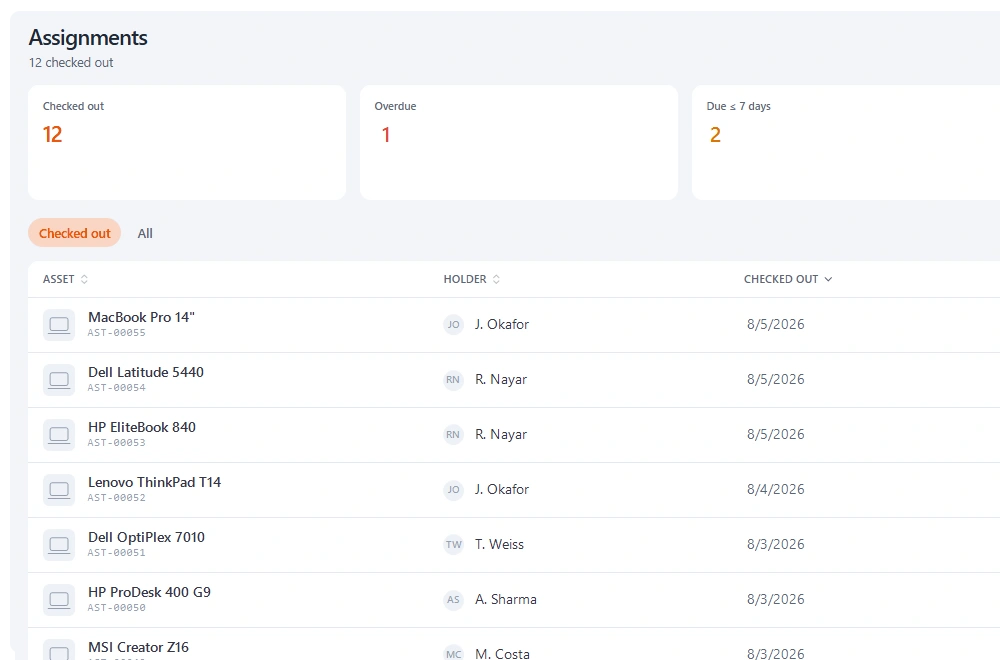
Asset Panda
Equipment tracking & checkoutBest for: Organisations with an unusual process and someone to configure it. Unlimited users and depreciation reporting included.
The limitation: The configuration phase is a real project, and it stalls without a named owner. Pricing is quote-only.
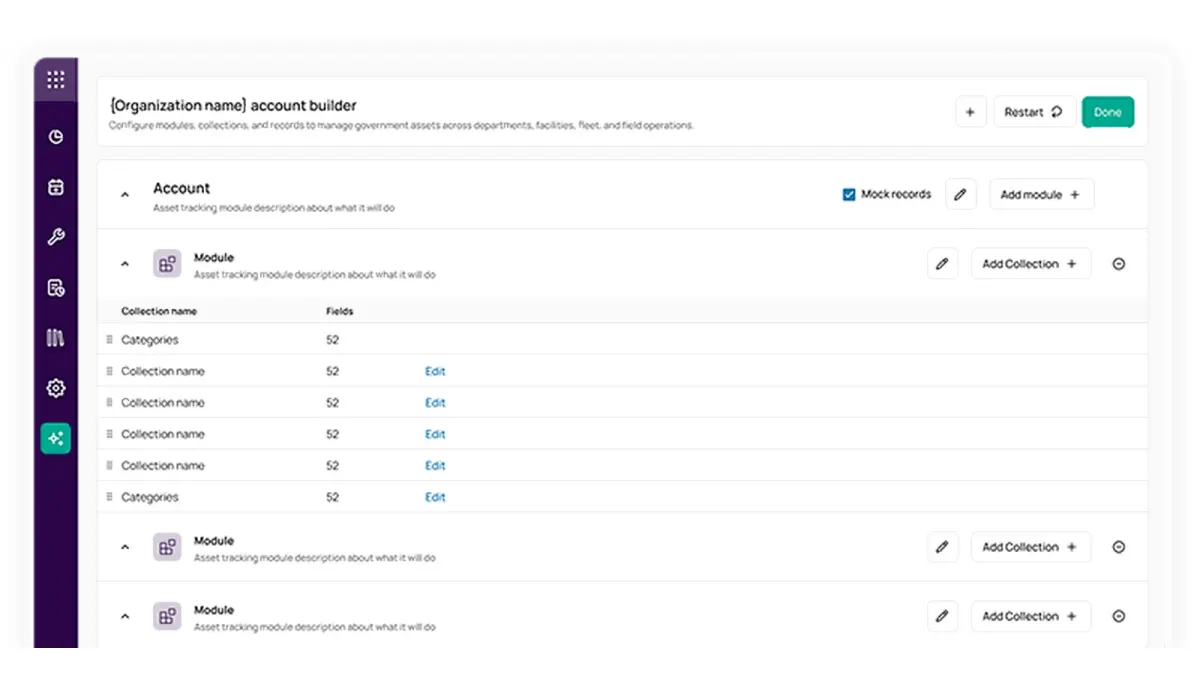
EZOfficeInventory
Equipment tracking & checkoutBest for: Larger estates that want breadth — purchase orders, vendors, RFID and deep configuration in one platform.
The limitation: Item-count pricing with features gated by tier, and offline mode only on Enterprise.
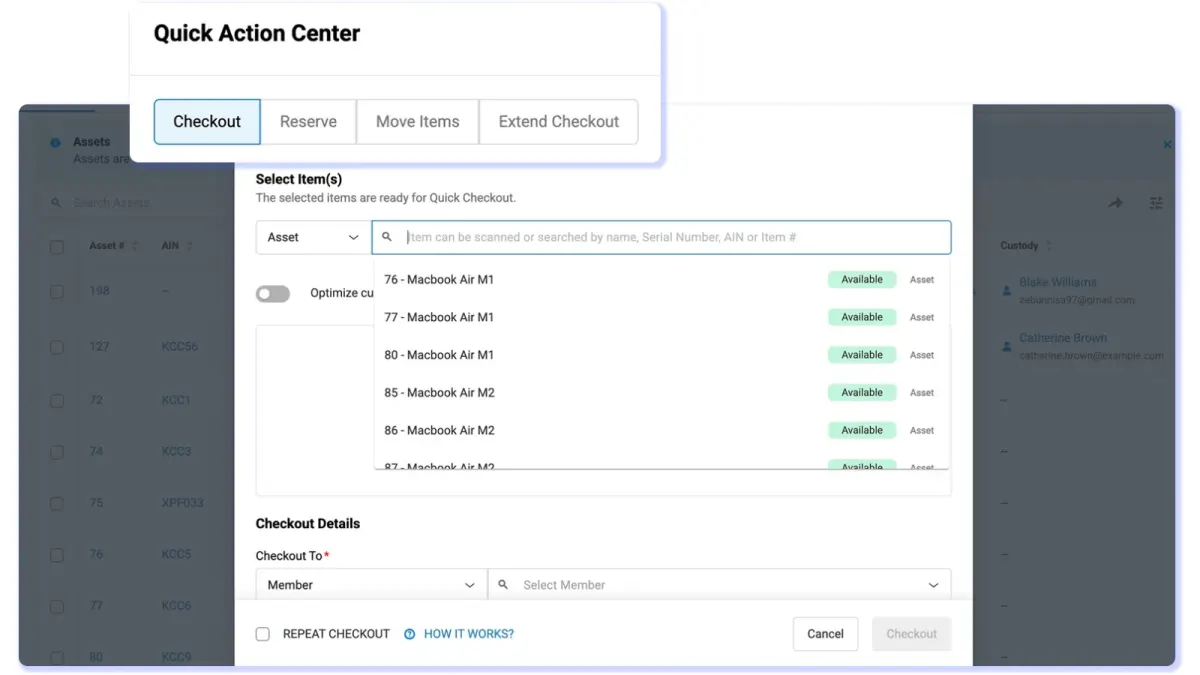
Cheqroom
Equipment tracking & checkoutBest for: Media and education teams whose job is checkout and reservations, with a polished booking experience and kit grouping.
The limitation: Per-administrator pricing from three admins; audits need the Business plan and maintenance work orders are a paid add-on.
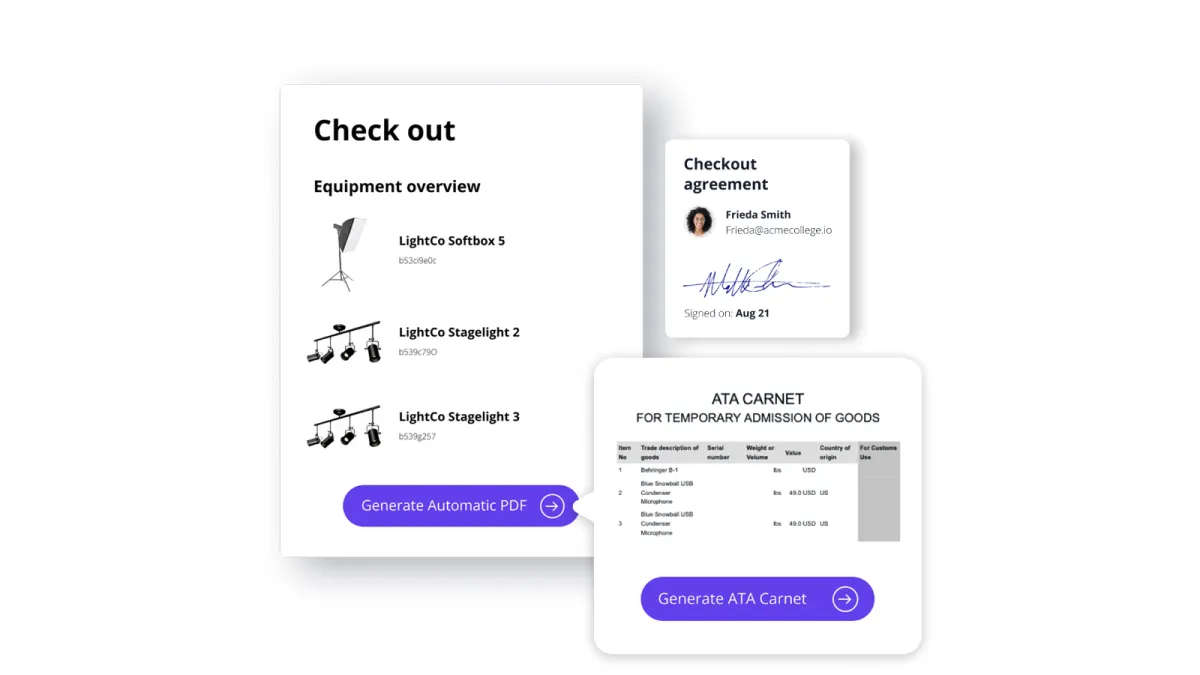
Reftab
Equipment tracking & checkoutBest for: Small IT teams wanting straightforward hardware checkout and loan agreements at a low price.
The limitation: IT-oriented, and thin on maintenance tickets, cycle-count audits and location history.
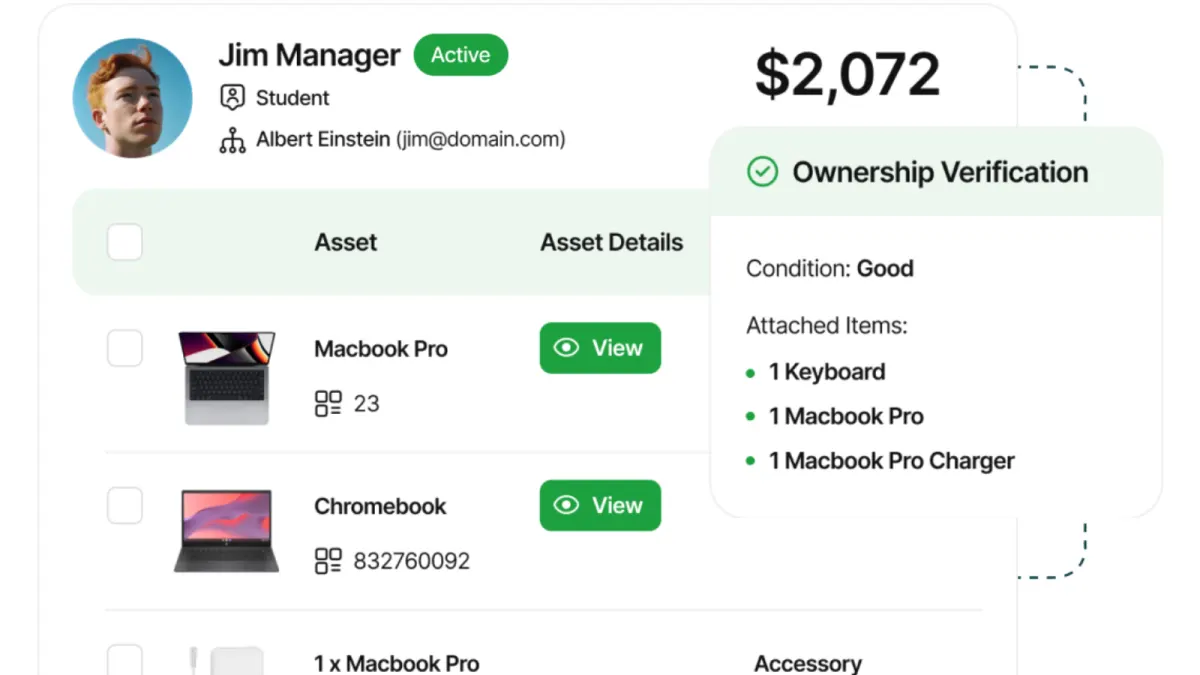
Freshservice
IT asset managementBest for: IT teams that also need a service desk, so assets live in the same system as tickets, changes and incidents, with CMDB relationships.
The limitation: Two meters at once, agents and asset units, and an IT-shaped product for equipment that is not IT.
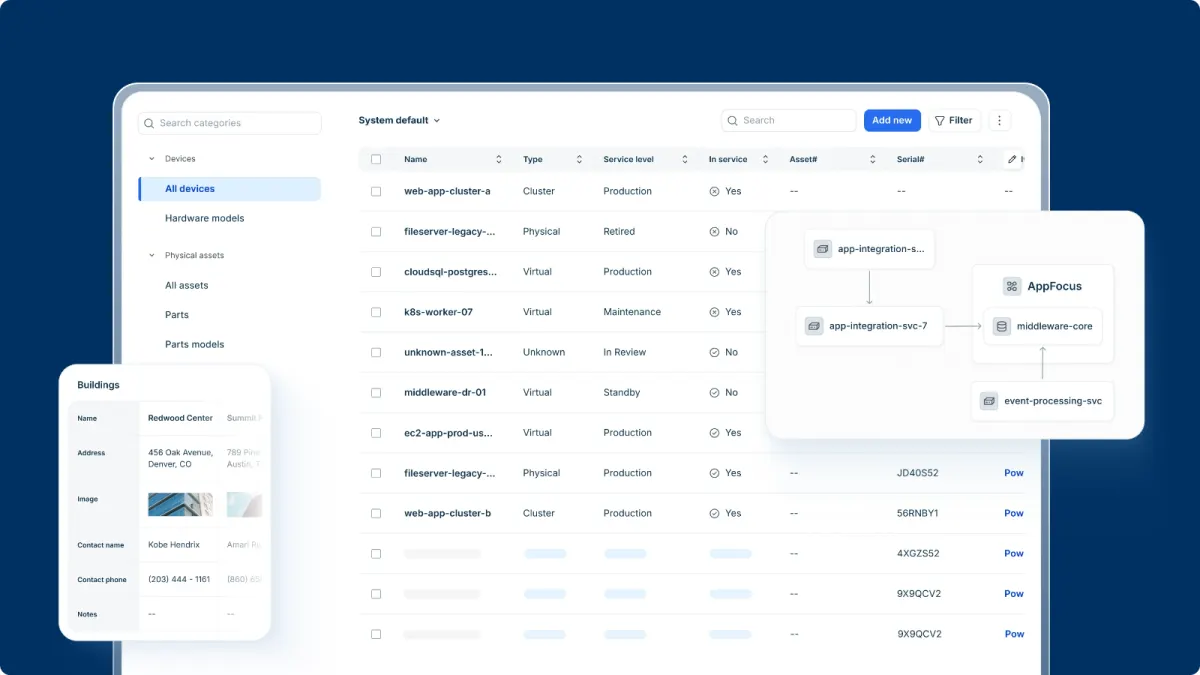
InvGate
IT asset managementBest for: IT estates that need agent-based discovery, software asset management and licence compliance, ideally beside InvGate's own service desk.
The limitation: Priced and built for IT. Physical custody of non-IT equipment is not what it is for.
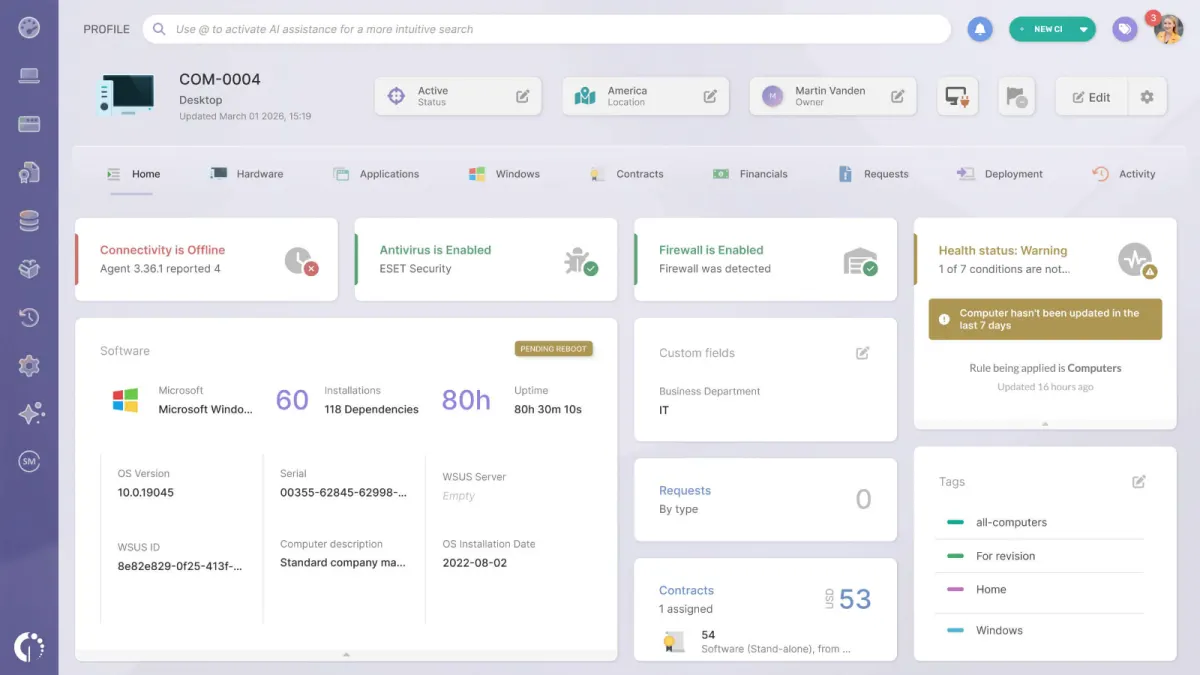
Lansweeper
IT asset managementBest for: Knowing what is on your network and what software runs on it, automatically and continuously.
The limitation: Blind to anything that does not connect — monitors, docks, tools, instruments — and no physical custody.
Snipe-IT
IT asset managementBest for: IT teams that must self-host, and have the infrastructure staff to run it. Free and open source.
The limitation: Running it is the cost. Limited mobile, no bookings, and shaped around IT rather than general equipment.
UpKeep
Maintenance & CMMSBest for: Estates where the problem is downtime — work orders, preventive maintenance, technicians and parts.
The limitation: No custody chain, no reservations and no physical count workflow. It is a CMMS, not an asset tracker.
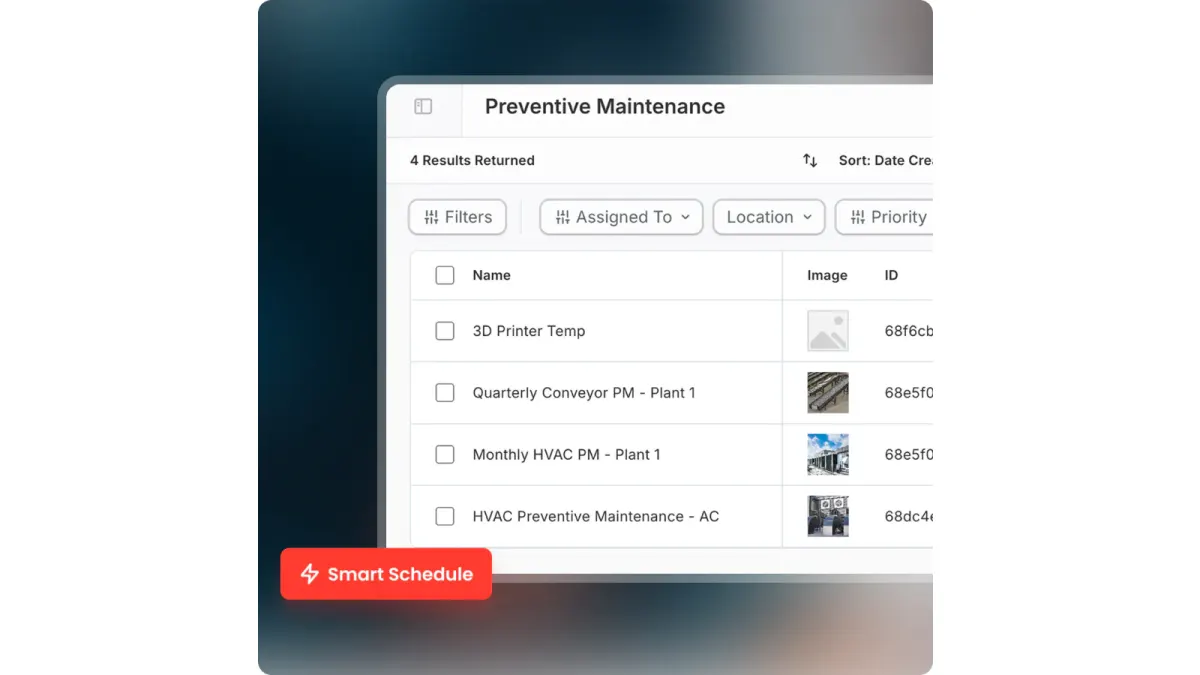
Limble CMMS
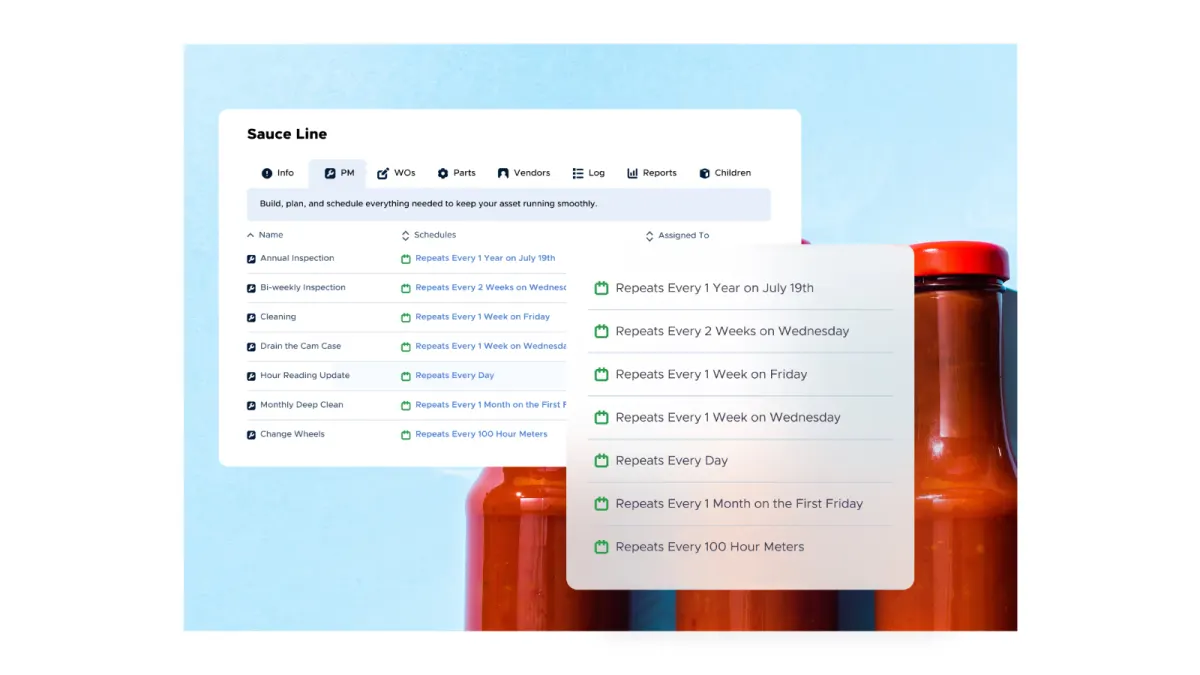
Maintenance & CMMSBest for: Maintenance teams that want a CMMS people adopt — work orders, backlog, technician scheduling, parts and meter-based triggers.
The limitation: No published price list, and custody, bookings and physical audits are not what it is built for.
Sortly
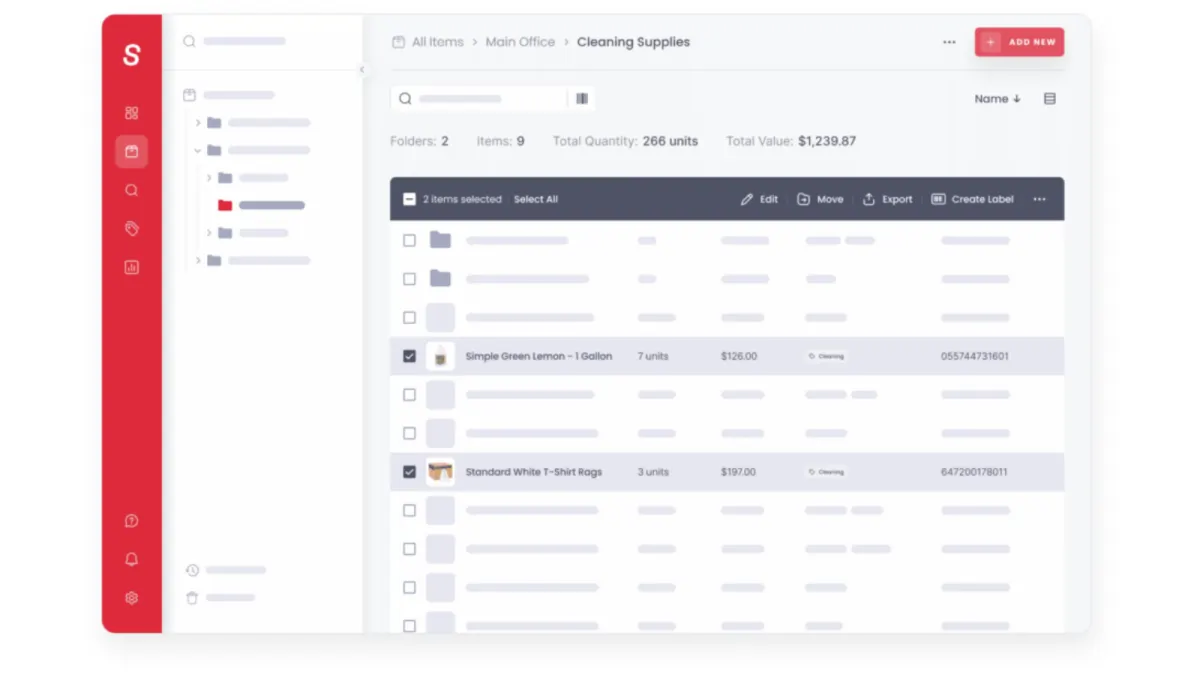
Inventory & stockroomBest for: Photo-led visual inventory and consumable stock counting, in a genuinely pleasant interface.
The limitation: Item-count tiers discourage complete registers, and there is no custody, bookings or audit workflow.
AssetTiger
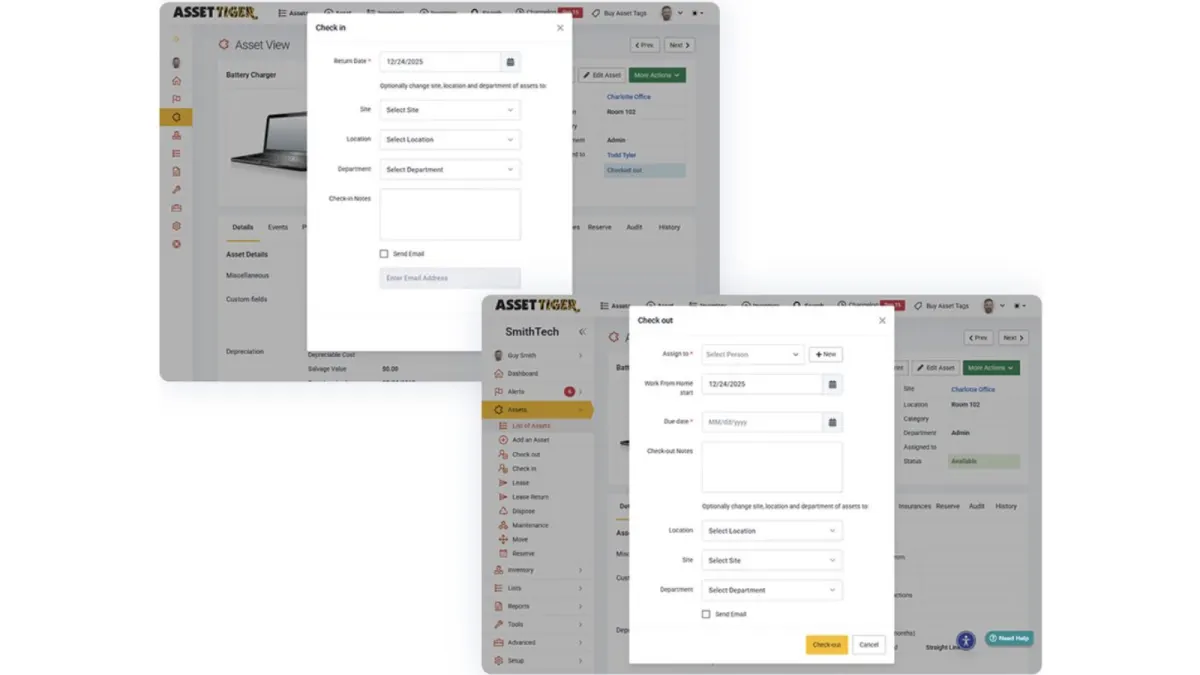
Inventory & stockroomBest for: A basic register at low cost, priced by asset count with users, sites and locations unlimited on paid tiers.
The limitation: A register rather than an operational system: no signatures, no bookings, no webhooks, and no permanent free plan — the 30-day trial drops to view-only.
FAQ
Common questions
What is the best asset management software overall?
There is no overall answer, and any list that gives one is ranking by preference rather than fit. The category contains maintenance platforms, IT discovery tools, inventory systems and custody trackers, all marketed with the same words. Decide which of those four you need first; the shortlist inside each is short.
What are the main types of asset management software?
Four, each built around a different question. Asset tracking and custody tools follow who holds each item. IT asset management tools discover devices and software on the network. Maintenance tools (CMMS and EAM) schedule work orders and repairs. Fixed asset accounting tracks book value and depreciation. Many products touch two of these; few do all four well.
What is the difference between asset management and a CMMS?
A CMMS is organised around work — orders, schedules, technicians, parts — and the asset exists so work can be raised against it. An asset tracker is organised around the object: who holds it, where it is, whether it came back. If your equipment breaks you want the first; if it walks you want the second.
Is there good free asset management software?
Yes, at the basic end. Reftab is free for up to 50 assets, Sortly's free plan covers 100 items and one user, Snipe-IT is free if you self-host, and Stackroom's free tier includes unlimited users. AssetTiger, often listed as free, has a 30-day trial rather than a permanent free plan. Free tiers stop being enough at roughly the point you need signed custody, bookings or audits.
How much should asset management software cost?
The model matters more than the figure. Per-asset pricing makes complete registers expensive; per-user pricing makes broad adoption expensive; per-agent pricing suits IT teams that already run a service desk. Work out which of those your organisation would feel, then compare within that shape.
Do we need RFID?
Only if you need to read many items at once without line of sight — dense stock with frequent full counts. For looking up one item at a time, a QR code and the phone already in everyone's pocket is faster to deploy and adequate in practice.
Go deeper
Individual comparisons
The best asset tracking software in 2026 · The best asset management apps in 2026 · The best equipment tracking software in 2026
Try it rather than read about it
The free tier has unlimited users and is meant for real use. Import your data and run an actual checkout before you decide.