
Product
One platform for every physical asset you own
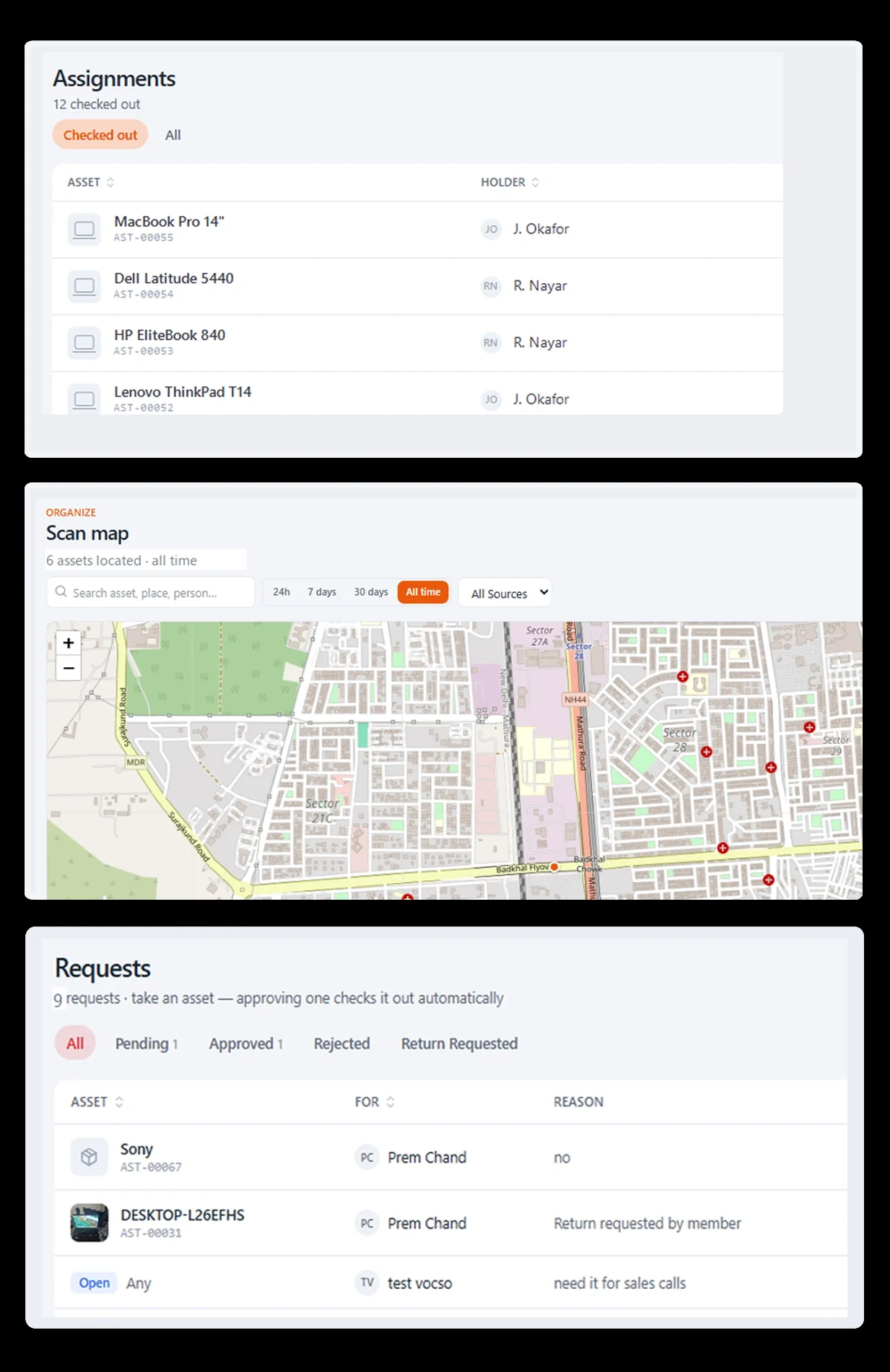
Stackroom brings the whole lifecycle together — register and locate, assign and account, book, maintain, and audit — so your team finally trusts a single source of truth.
What is the Stackroom platform?
Stackroom is a single platform covering the asset lifecycle: register and locate, assign and account for, book, maintain, audit, depreciate and retire. The same records serve IT, finance and facilities, so custody, service history and book value live on one asset rather than in three systems.
The platform
Six capabilities, one connected system
Track & locate
A single register for every asset, and a live map of where it's been.
Learn moreCustody & accountability
Know who has what, and prove it.
Learn moreBookings & scheduling
Reserve shared gear without collisions.
Learn moreMaintenance, warranty & reminders
Stay ahead of everything that expires.
Learn moreAudits & reporting
Verifiable counts and exports on tap.
Learn morePlatform & integrations
Multi-tenant, configurable, and connected.
Learn moreEverything you own, on one register
Import the spreadsheet you already keep, then print QR labels for whatever is missing one. Categories, locations and departments are created from the values in your file, so you are not building a hierarchy by hand before you can start.
Every item against a named person
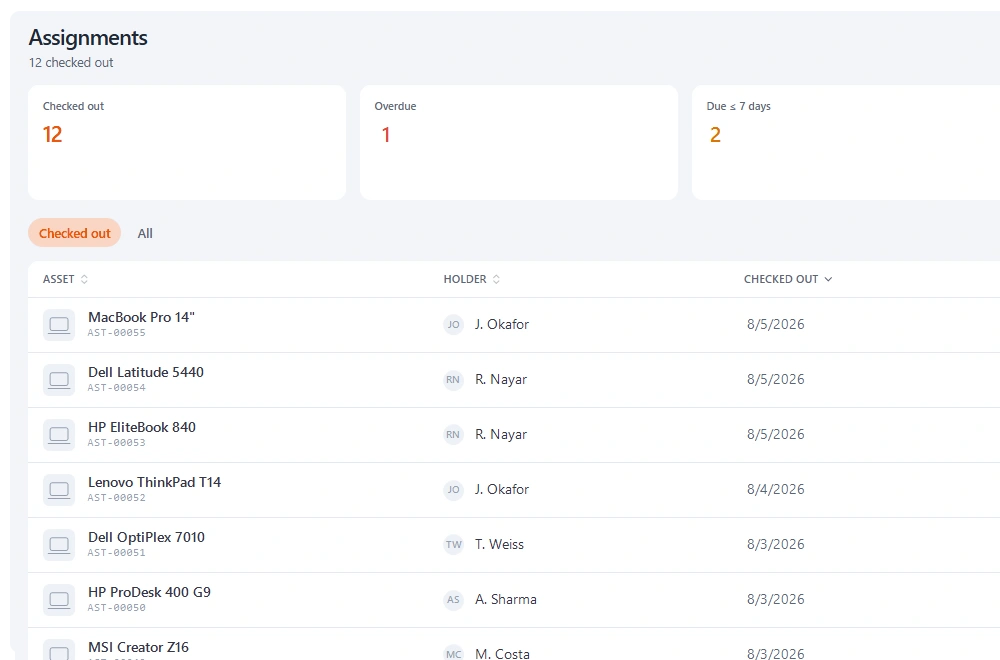
Scan a label, pick the person, capture a signature on the device. That is the whole handover, and it produces a PDF agreement plus a dated custody record that is never overwritten.
A current-holder field tells you where something is now. A custody chain tells you who had it in March, which is the question that actually gets asked.
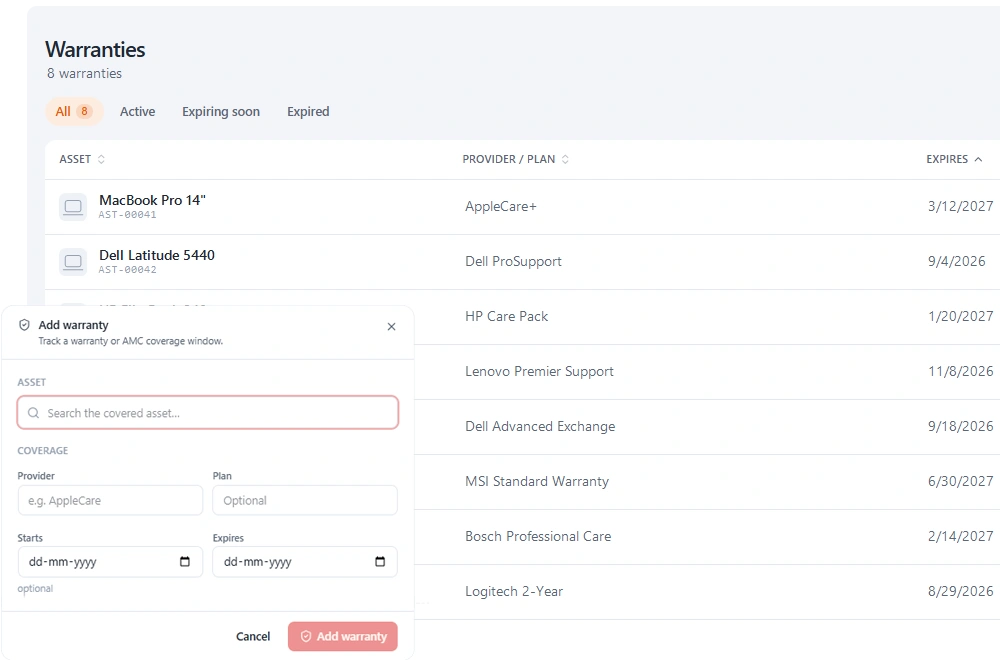
Renewals that raise their hand first
Manufacturer warranty, extended cover, annual maintenance and comprehensive contracts are each recorded against the asset with provider, policy number, cost and expiry.
Reminders fire before the date rather than after it, so repairs get claimed instead of paid for twice.
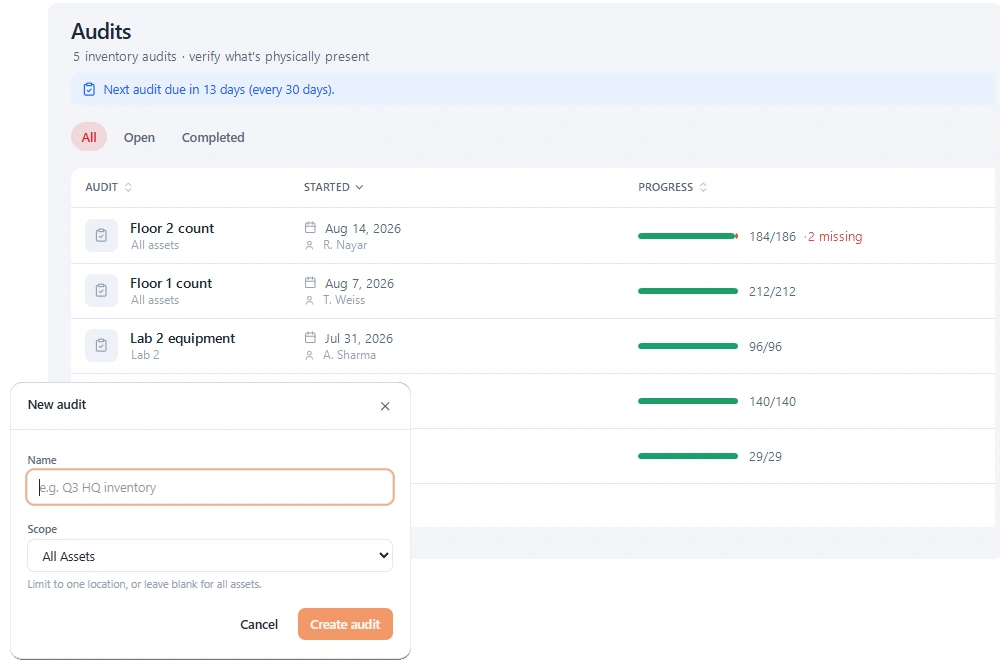
A count somebody actually did
Scope an audit to a location, category or department, walk it scanning, and each item records as verified or missing as you go. Closing it captures a signature and produces an exportable document with the scope, the date and the discrepancies.
A register export is what you believe you own. This is what somebody confirmed was there.
A leaver's list, generated not remembered
Departures are where unrecovered equipment concentrates, almost entirely because nobody can produce the list while the person is still contactable.
Pull up everything they hold, check each item back in with a condition note, and close with a signed clearance.
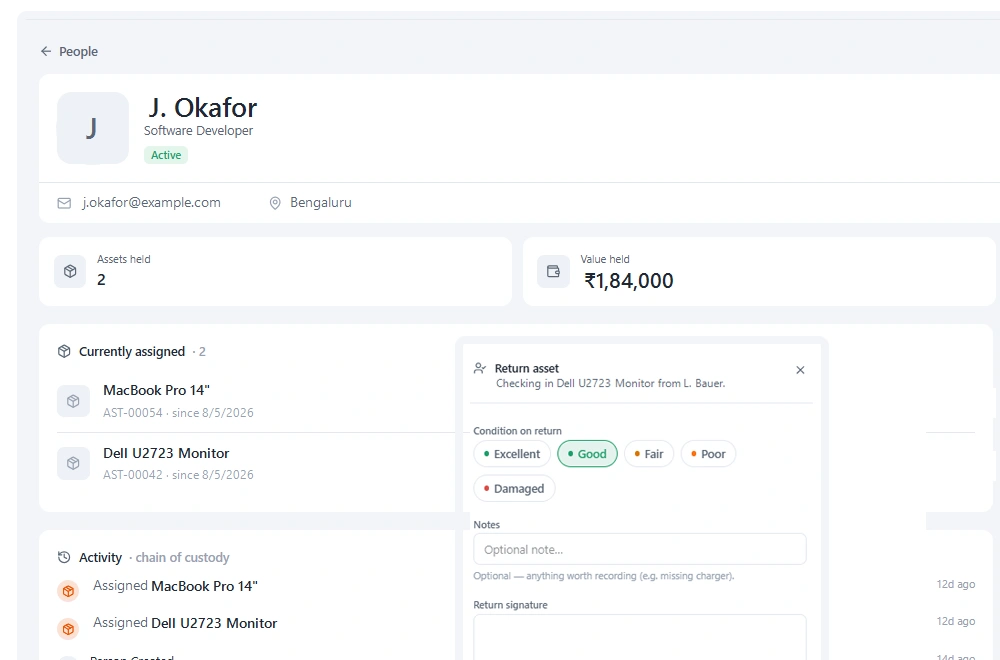
Shared equipment, reserved ahead
Equipment that is shared rather than issued — meeting-room AV, loan laptops, test devices — is reserved ahead, with overlap checked before a booking is accepted.
Screenshot to come
The booking calendar with an availability conflict being caught at the point of reserving.
- Mobile
- Offline-first, in every plan
- Multi-site
- Real-time visibility
- Signed
- Custody & audits
- API
- Connect your stack
Go deeper
Explore the product
FAQ
Questions about the platform
Is Stackroom an IT asset management tool or an equipment tracking tool?
Both, because the underlying problem is the same: an individually identified item, a named holder and a history. IT estates and shared equipment pools are modelled the same way, which is why one register covers laptops and lab instruments.
Can Stackroom handle multiple sites or offices?
Yes. Locations are hierarchical, so a building, a floor and a room nest, and assets, audits and reports can be scoped to any level of that tree.
Does Stackroom replace a CMMS?
Only for organisations whose equipment mostly moves rather than mostly breaks. Stackroom logs faults, tracks service and holds contracts, but a plant with preventive maintenance schedules and parts inventories wants a dedicated CMMS.
How does Stackroom handle people who do not log in?
People you issue equipment to are records rather than users, so a leaver, a contractor or a student can hold assets and sign for them without an account. Users who do log in are unlimited on every plan.
Ready to know where every asset is?
Start free — tag your first 100 assets and run a real checkout in your first session. No credit card required.