
Round-up
The best equipment tracking software in 2026
Equipment tracking is a narrower problem than asset management: gear that moves between people, teams and offices, where the question is who has it and whether it came back. These are the tools built for that.
What is the best equipment tracking software?
The best equipment tracking software is the one whose pricing does not push you into an incomplete register and whose app the people handling equipment will actually use. For tools and portable equipment across sites, look at Stackroom, Timly and EZOfficeInventory; for media and AV checkout, Cheqroom and Stackroom; for small IT teams, Reftab or Snipe-IT.
How this list was made
Our rules for this page
- Scoped to tools built for equipment that moves — not maintenance platforms, not IT discovery, not warehouse inventory.
- Every entry names a limitation. Several of these tools beat us at something specific, and the entry says so.
- Pricing is described as a model, never quoted as a figure.
- We only list tools we have written a full comparison against.
Competitor details verified . Tell us if something is out of date.
9 tools
The shortlist
| Tool | Type | Pricing model | Mobile apps |
|---|---|---|---|
| Stackroom | Asset lifecycle & custody | Plans by features and asset limit; unlimited users on every plan, free tier included | iOS & Android, works offline |
| Cheqroom | Equipment tracking & checkout | Per administrator, three-admin minimum | iOS & Android |
| EZOfficeInventory | Equipment tracking & checkout | Item count, features gated by tier; users unlimited | iOS & Android; offline on Enterprise |
| Timly | Equipment tracking & checkout | Module tiers with unlimited users; no free plan | iOS & Android |
| Asset Panda | Equipment tracking & checkout | Quote only | iOS & Android |
| itemit | Equipment tracking & checkout | Asset count and user count together; no free plan | iOS & Android |
| Reftab | Equipment tracking & checkout | Free for 50 assets, then a flat plan with unlimited users | iOS & Android |
| Snipe-IT | IT asset management | Free to self-host; paid managed cloud | No official app (third-party apps exist) |
| AssetTiger | Inventory & stockroom | Asset count bands; users unlimited; no free plan | iOS & Android |
Mobile apps as listed on the App Store and Google Play on .
Stackroom
That is usBest for: Mixed estates where equipment is issued to named people — signed custody, clearance certificates for leavers, inspections, AMC and CMC cover, and phone-based audits. Unlimited users on every plan.
The limitation: No RFID, no job cost allocation, no purchase orders, and not a CMMS.
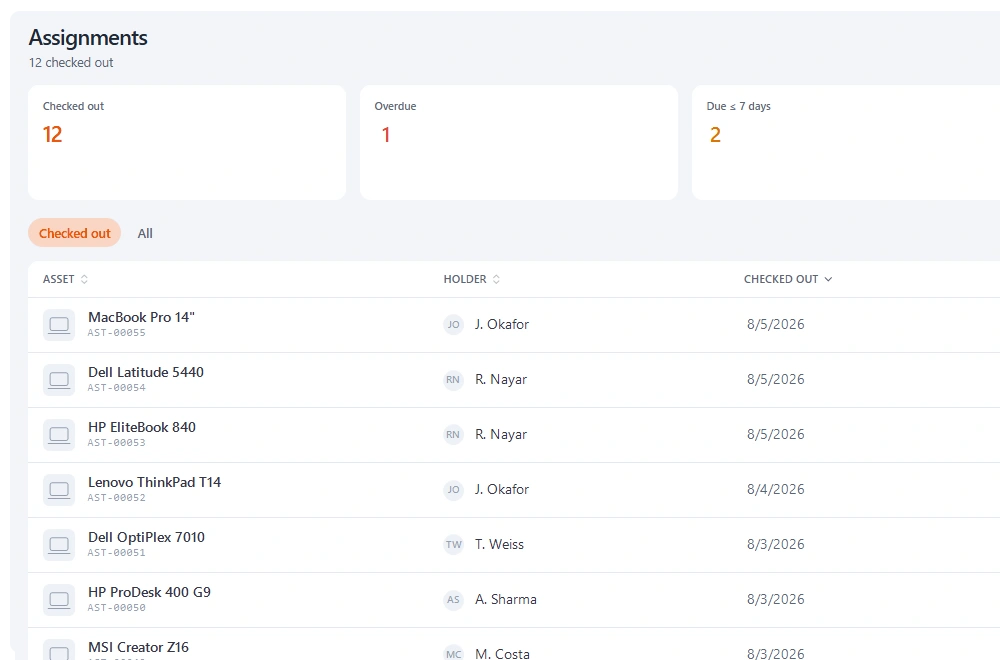
Cheqroom
Equipment tracking & checkoutBest for: Media and education checkout, with a particularly polished booking experience and saved kit grouping.
The limitation: Per-administrator pricing from three admins; audits need the Business plan and maintenance is a paid add-on.
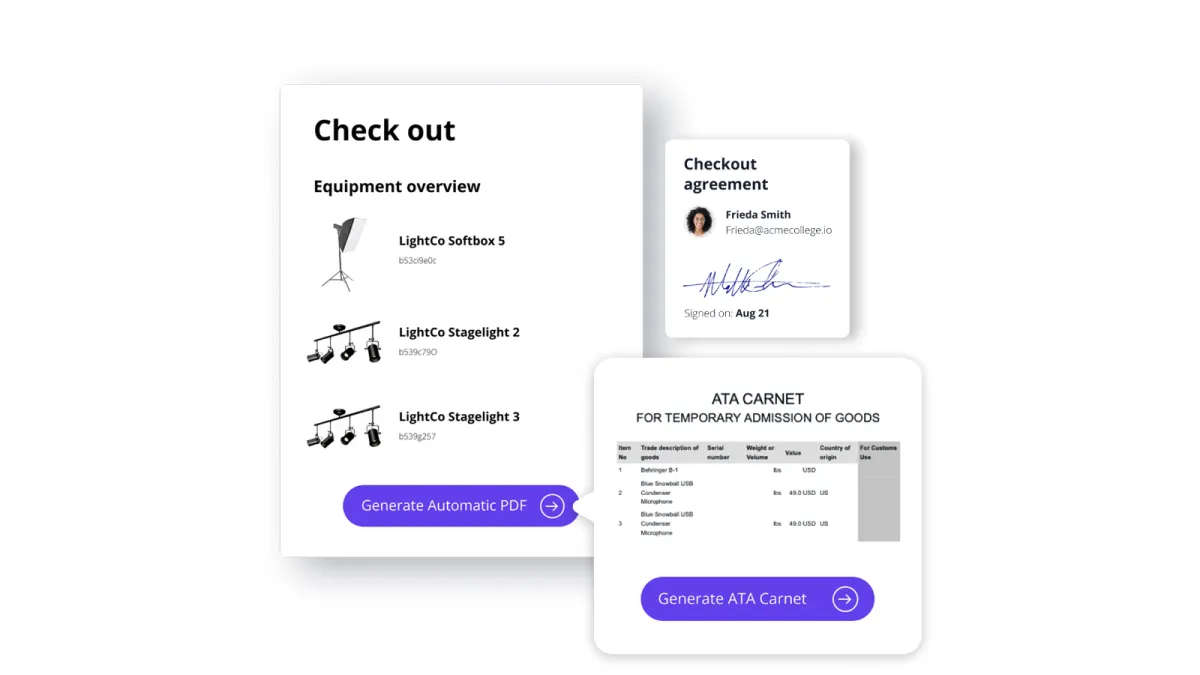
EZOfficeInventory
Equipment tracking & checkoutBest for: Larger equipment estates that want RFID, purchase orders and multi-stage approvals in one configurable platform.
The limitation: Item-count pricing with features gated by tier, offline mode only on Enterprise, and configuration that needs an owner.
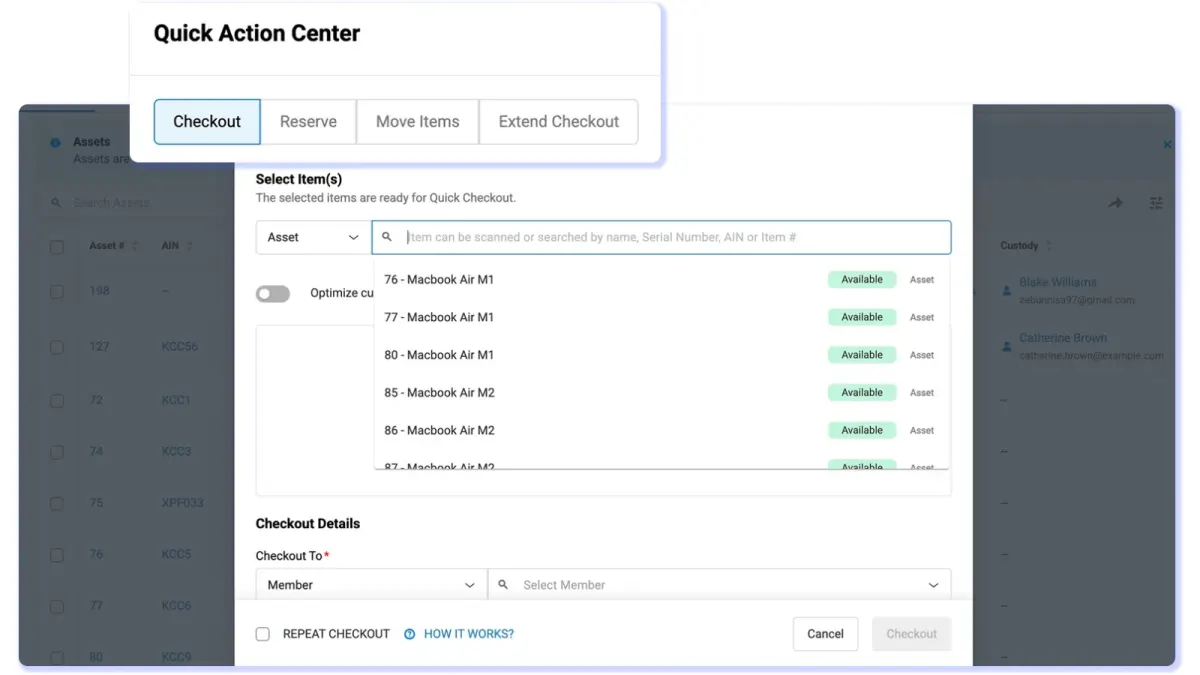
Timly
Equipment tracking & checkoutBest for: European deployments covering IT, machinery, tools and vehicles in one register, with dedicated fleet support.
The limitation: No self-serve free tier, and custody is assignment rather than a signed chain.
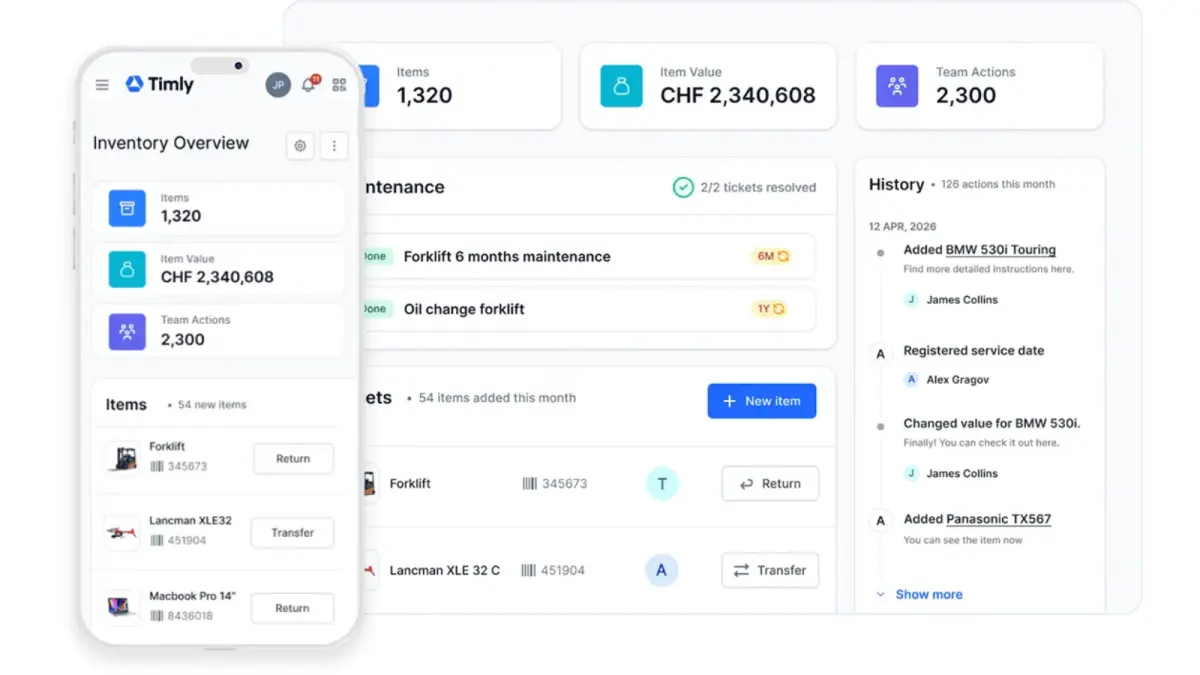
Asset Panda
Equipment tracking & checkoutBest for: Equipment processes imposed from outside — a regulator, a contract, a parent organisation — with someone to configure the platform to match.
The limitation: The configuration phase is a real project, and pricing is quote-only.
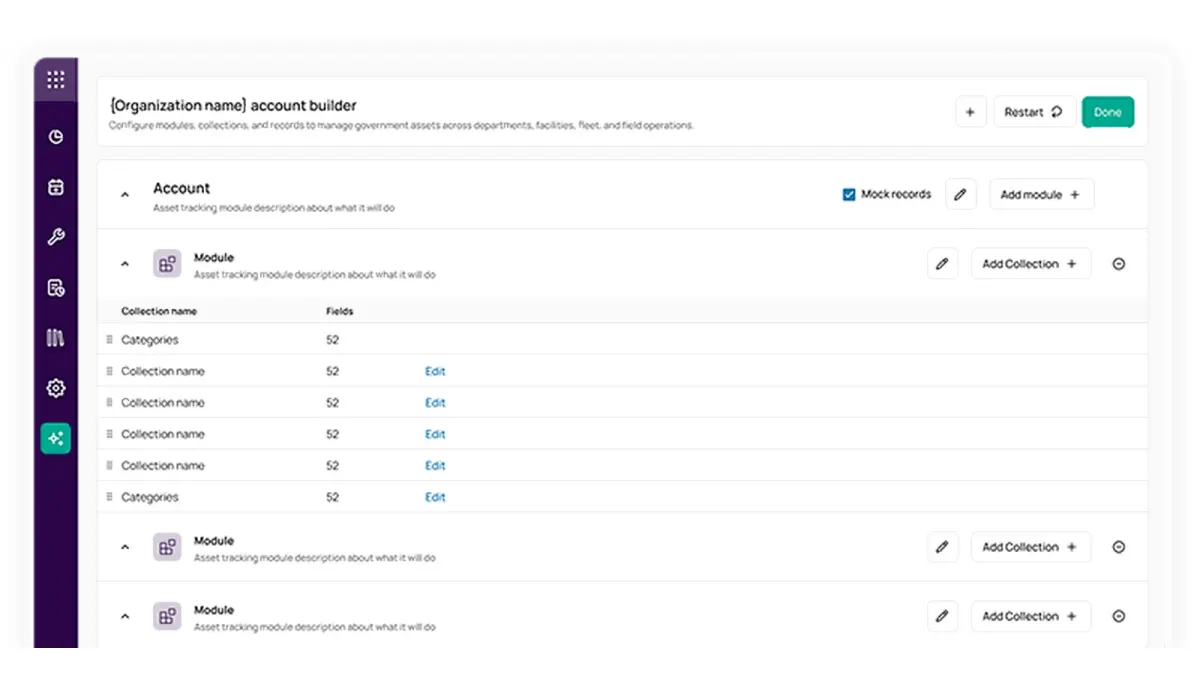
itemit
Equipment tracking & checkoutBest for: Simple tagging with RFID support and a very short path from signing up to a tagged asset.
The limitation: Limited bookings, light maintenance and basic audits, and the entry tier caps users.
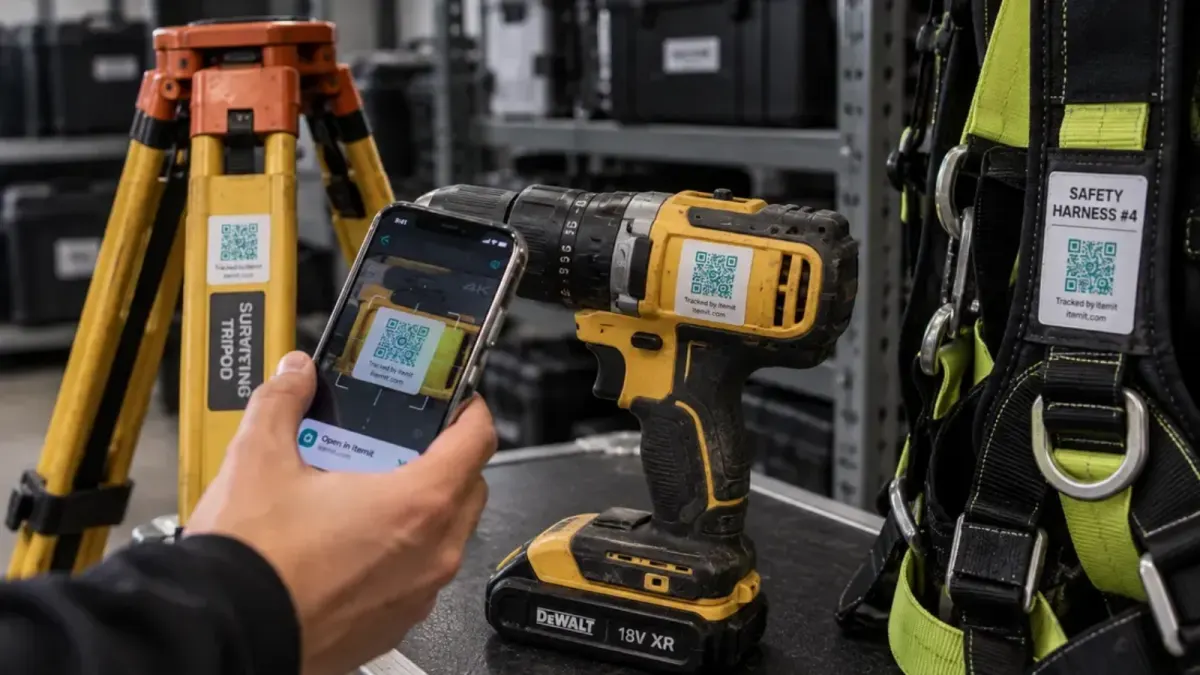
Reftab
Equipment tracking & checkoutBest for: Small IT teams wanting straightforward hardware checkout and loan agreements at a low price.
The limitation: IT-oriented, and thin on maintenance tickets, cycle-count audits and location history.
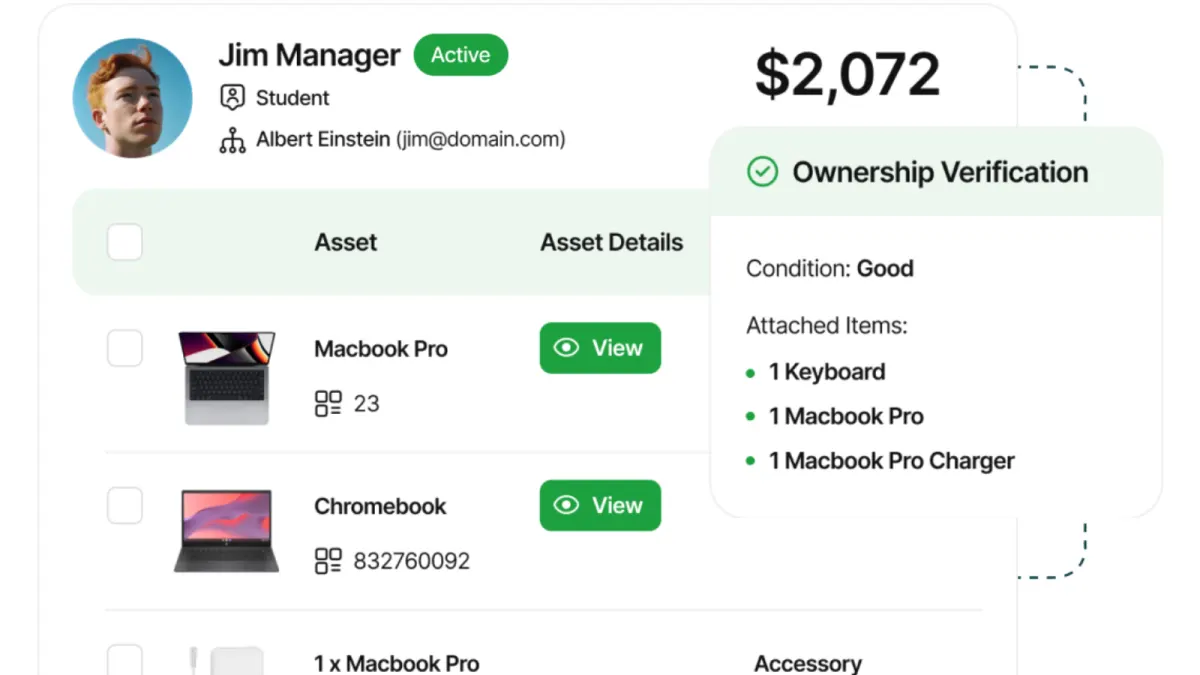
Snipe-IT
IT asset managementBest for: IT equipment checkout for teams that must self-host and can run the server themselves.
The limitation: Updates happen at a desk rather than on foot: limited mobile, no bookings, and built for IT rather than tools or AV.
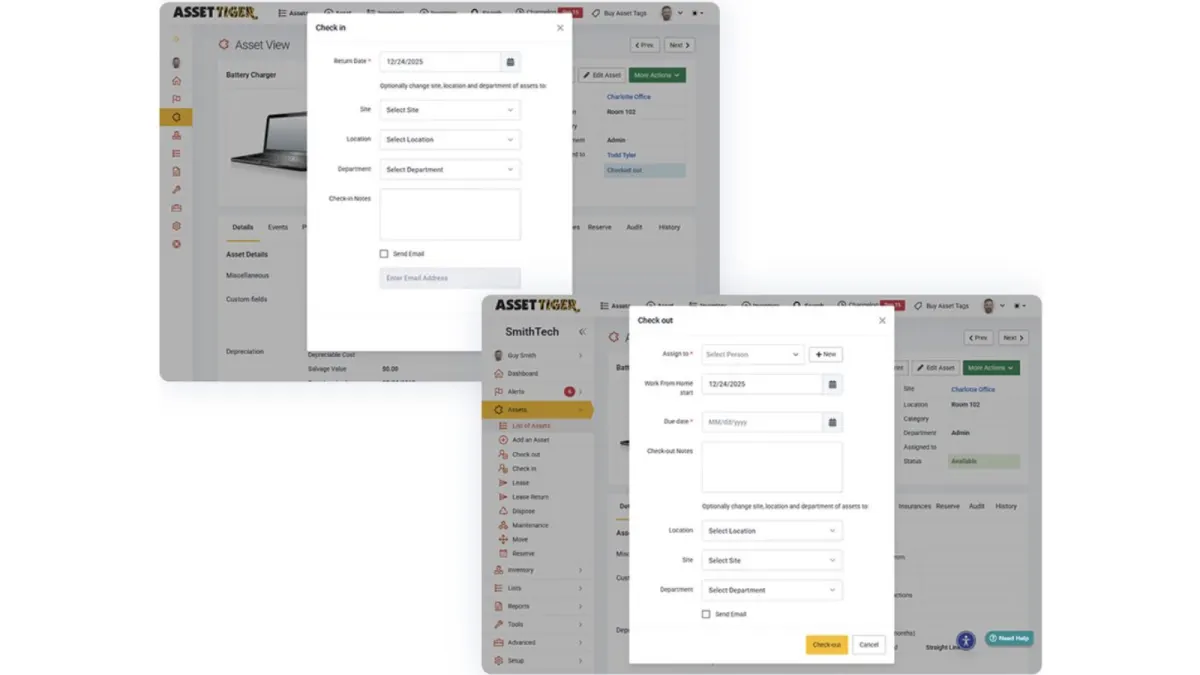
AssetTiger
Inventory & stockroomBest for: A low-cost register for equipment that mostly stays put, with many people needing access.
The limitation: Nothing is issued against a signature, there are no bookings, and the 30-day trial drops to view-only.
FAQ
Common questions
What is equipment tracking software?
Software that gives each item an identity — usually a QR or barcode label — and records where it is, who holds it, and what condition it is in. The distinguishing feature against general asset management is custody: the assumption that equipment changes hands regularly rather than sitting with one owner.
What is the best equipment tracking software for construction?
It depends on scale and what else you need. For a stores cupboard and a few vans, any QR-based tracker with a decent offline app will do. Multi-site contractors with statutory inspection obligations need inspections, reservations and audits, which is where Stackroom fits. Timly suits European contractors that also track vehicles and machinery. If job cost allocation and warehouse operations are the core need, look at enterprise construction software rather than an equipment tracker.
Can I track equipment with a spreadsheet?
For a small, stable set of items, yes, and it costs nothing. It stops working when equipment changes hands often — a spreadsheet has no way to record that someone accepted responsibility, and it is out of date the moment it is printed.
How do I stop tools going missing?
Register the cheap items too, give every item a named holder rather than a location, capture a signature at handover, and check equipment back in on site rather than at the warehouse. Most losses are documentation failures at a specific moment, not theft.
Do these tools work offline?
The good ones do, and it matters more than it sounds — basements, plant rooms and rural sites are exactly where scanning is most needed. Check specifically that scans and handovers queue on the device rather than requiring a connection.
Try it rather than read about it
The free tier has unlimited users and is meant for real use. Import your data and run an actual checkout before you decide.